Interface Previews
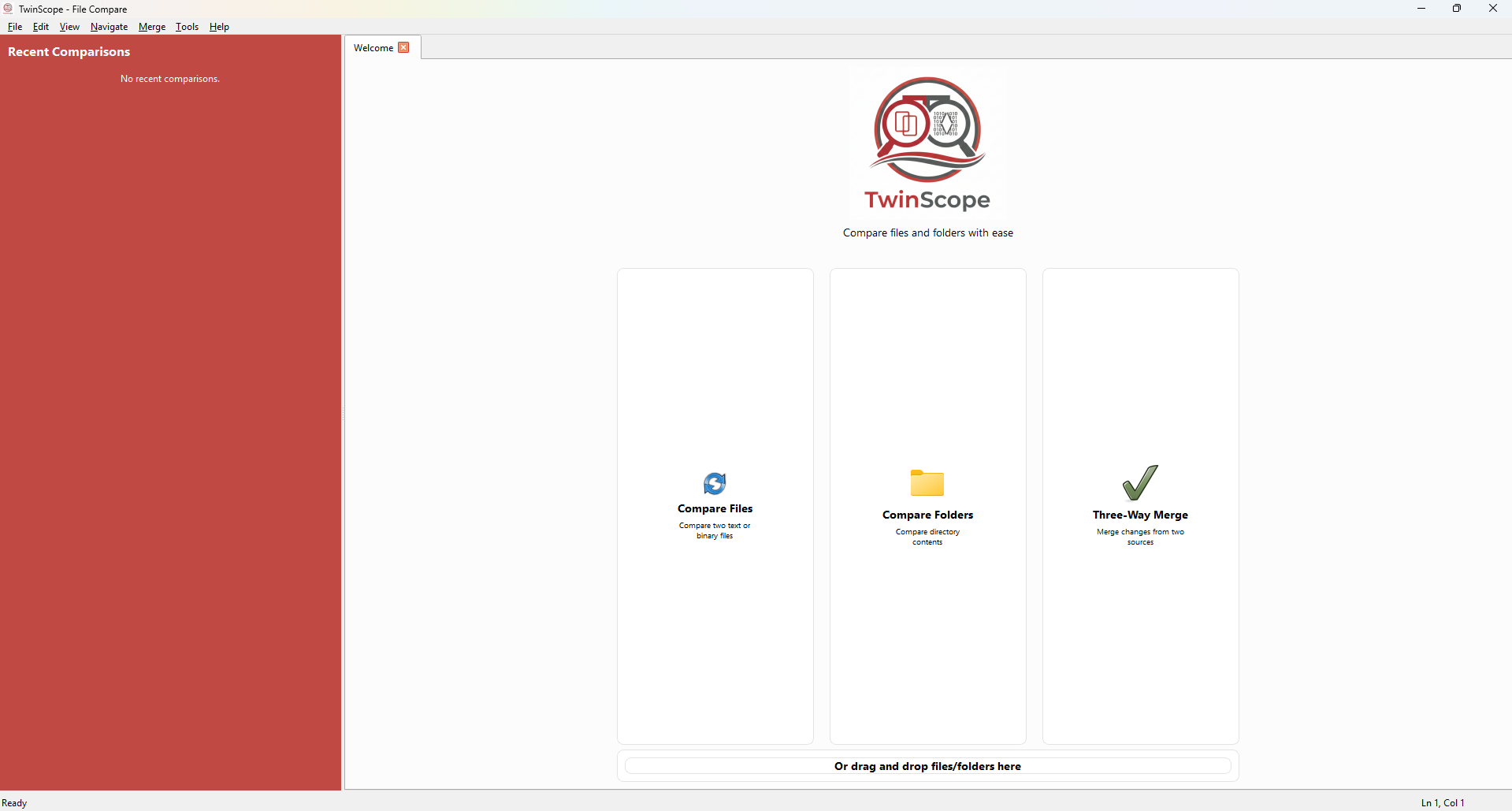
Home Screen
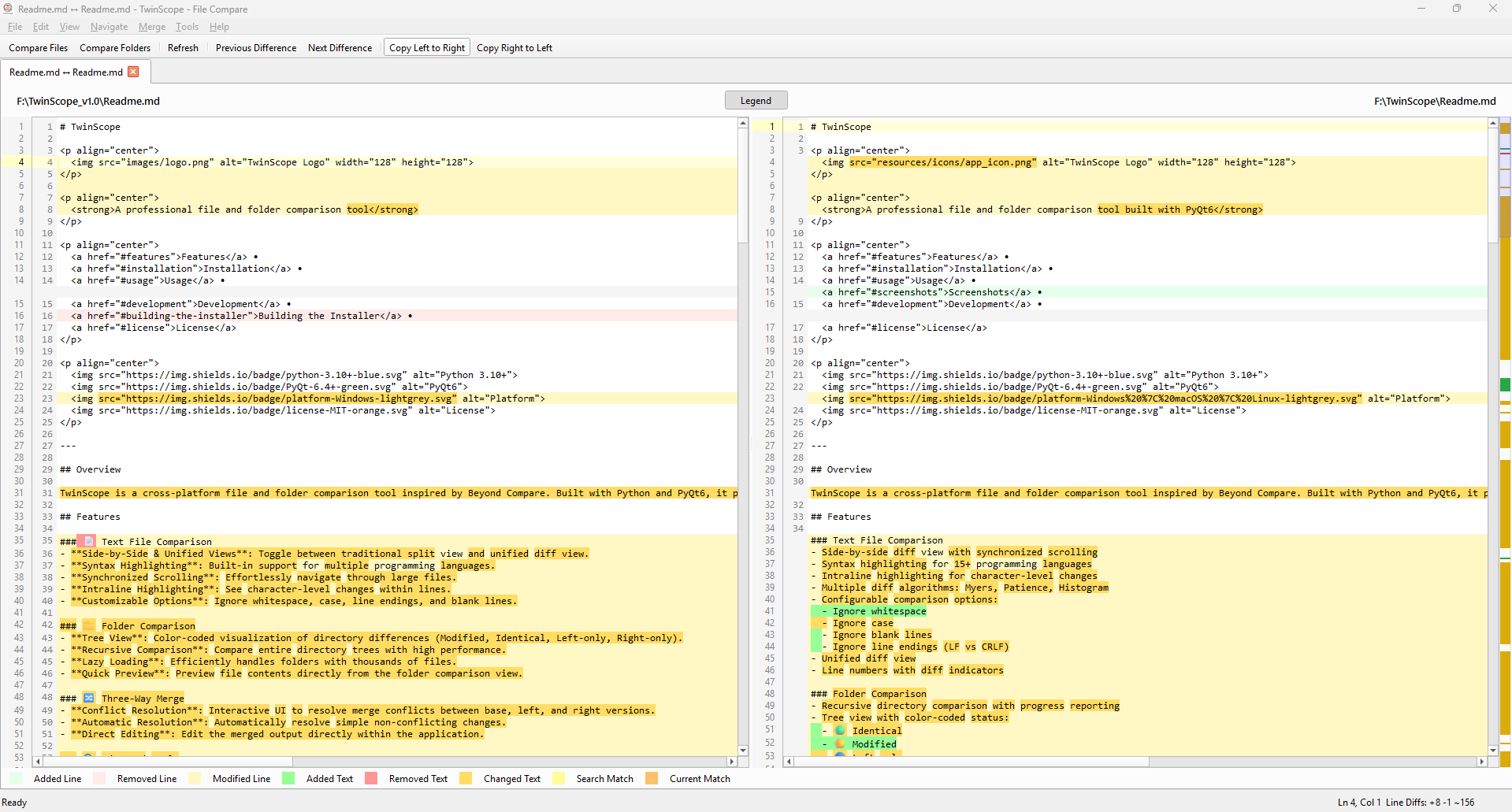
File Comparison
A professional, highly secure file and folder comparison tool built for modern workflows. Experience advanced three-way merging with local-only, zero-telemetry processing.
Side-by-side & unified views, syntax highlighting, and intraline change detection to see exactly what changed.
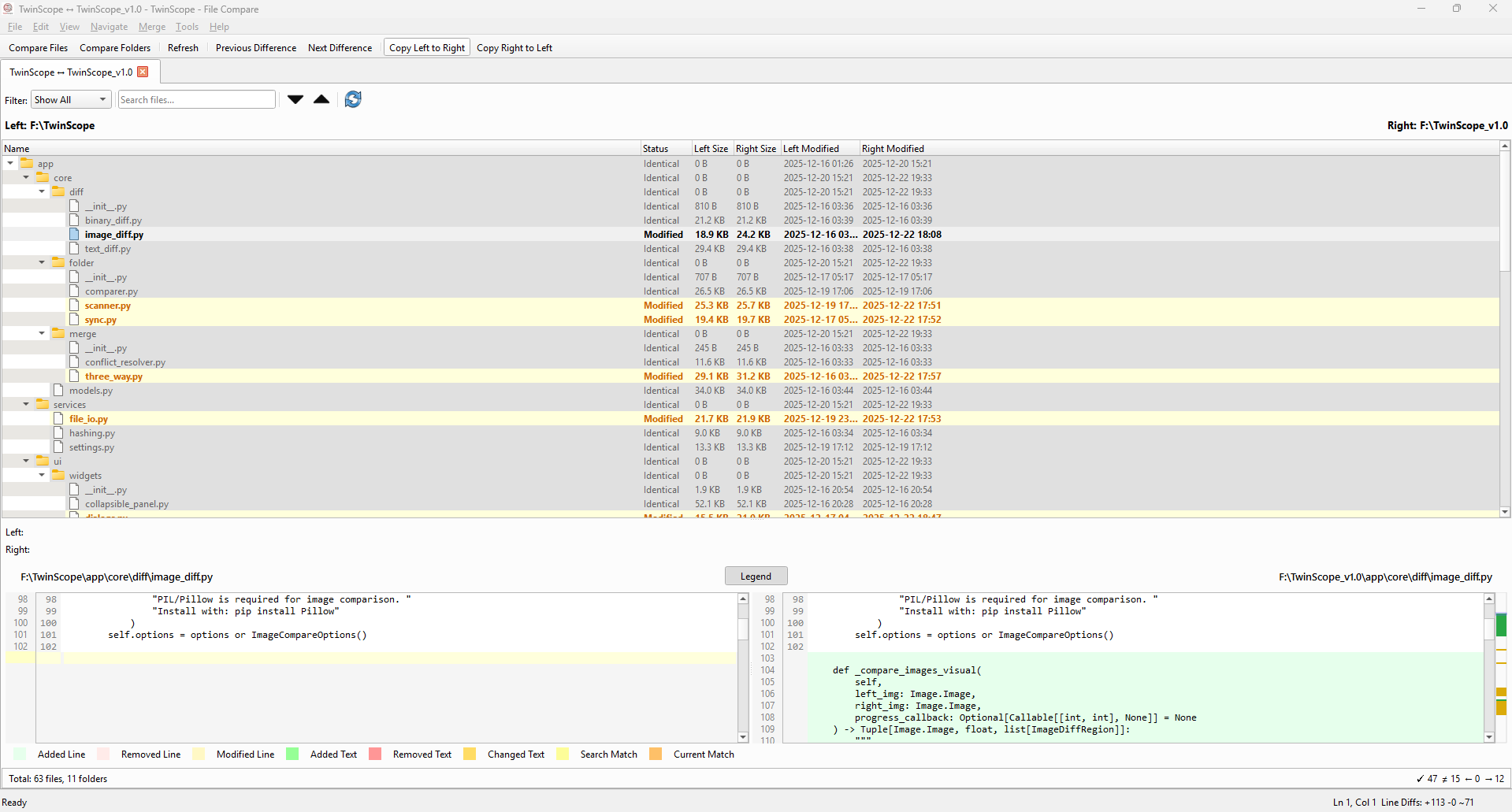
Color-coded tree visualization of recursive directory differences, supporting lazy loading for thousands of files.
Interactive conflict resolution between base, left, and right versions with automatic simple merge capabilities.
Byte-level binary comparison, side-by-side image comparison, folder synchronization, and SHA-512 hash verification.
Your files never leave your machine. No cloud uploads, no telemetry, no internet connection required. Absolute privacy by design.
Clean installs via industry-standard Windows Installer. No temporary "dropper" scripts, ensuring adherence to strict directory standards.
Cryptographically sealed builds to ensure zero tampering. We use strict dependency pinning and XXE protection.
Download the Windows MSI installer to get started immediately.
Download .msiSigned_By_Dipta_CodeSigningPublicKey.cer into "Trusted People".